

Create custom event ticket designs in minutes
Design professional, secure event tickets that impress your attendees and keep entry moving on schedule. Start from a customizable template, upload your own artwork, or let AI draft the design for you.
Design tickets without design software or outsourcing
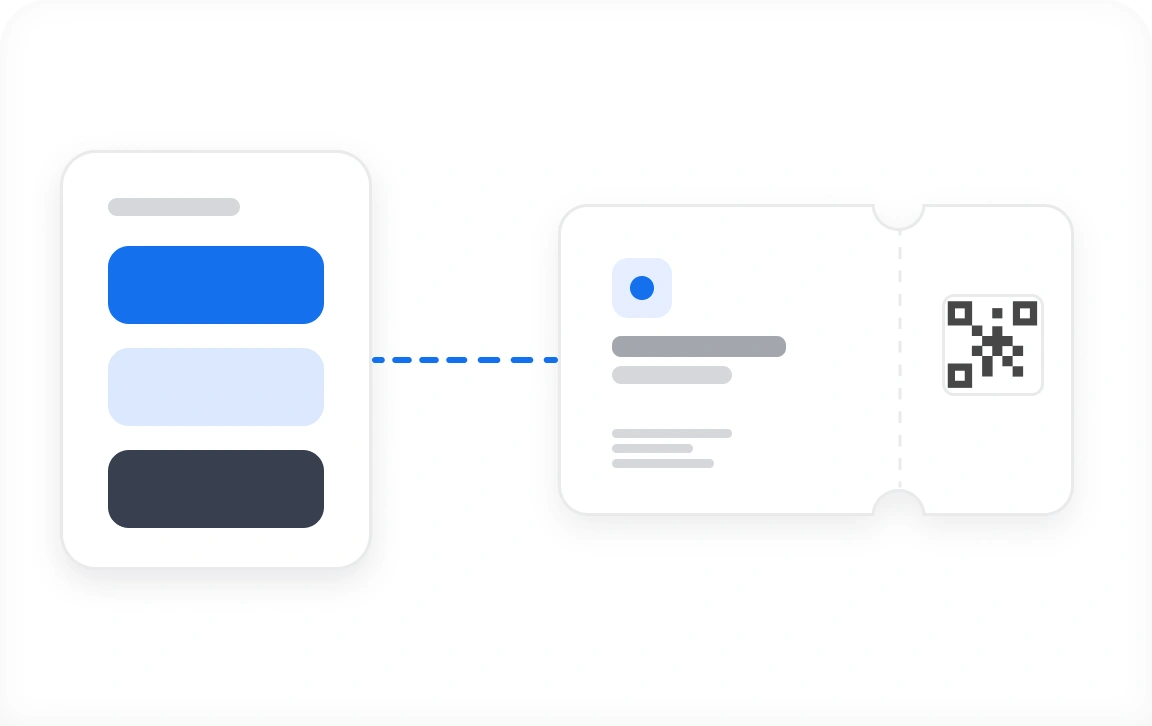
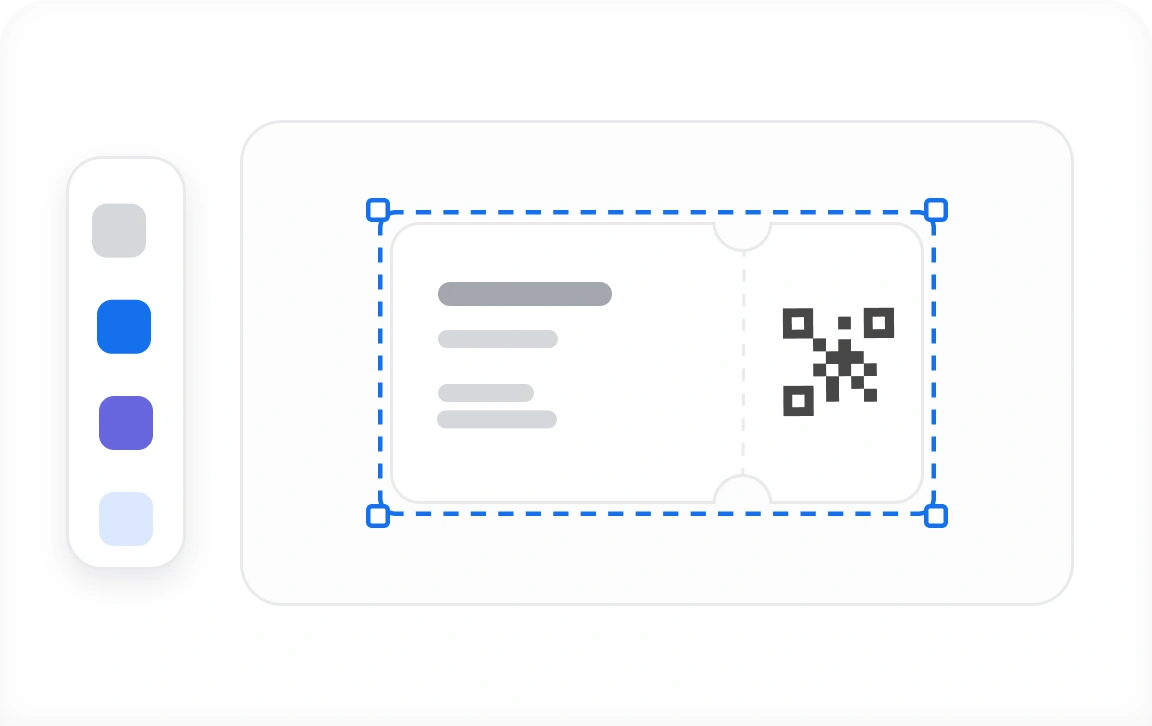
Put your event's logo, colors, and artwork on every ticket
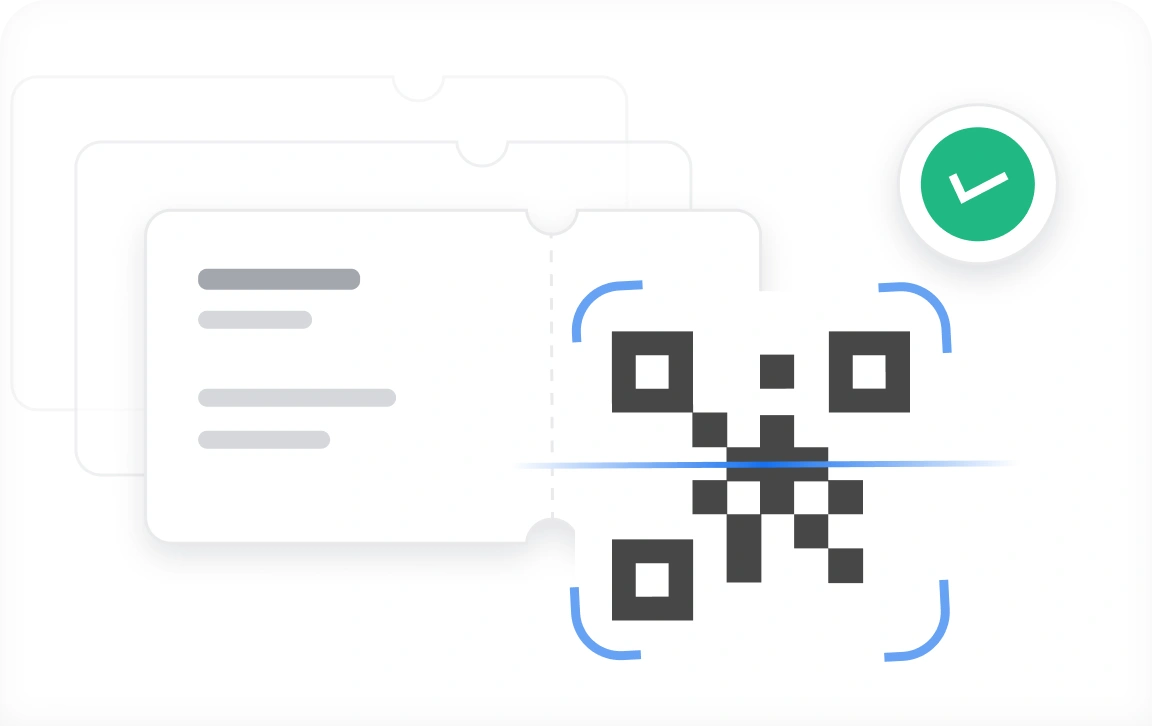
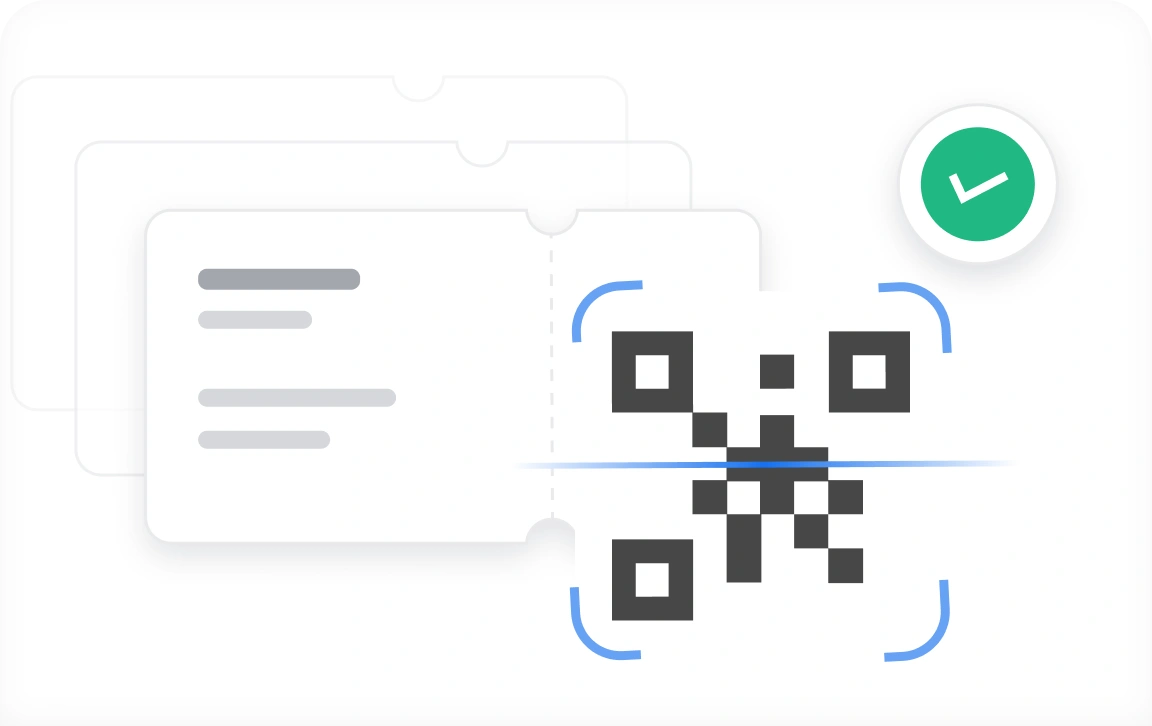
Speed up check-in and stop fraud with unique QR Codes
How to design event tickets in 3 easy steps?
Create Your Event
Log In to Ticket Generator, click Create New Event, and enter your event details. Then pick a ticket template or upload your own design.
Design Your Ticket
Change the background image or color, add your logo, design with AI, and place variable fields such as guest name or seat number.

Print or Download
Download print-ready files at high resolution, or send custom event tickets to your attendees digitally.
Create customized tickets for your event
First 10 tickets free | No credit card required
Everything you need to design and manage event tickets

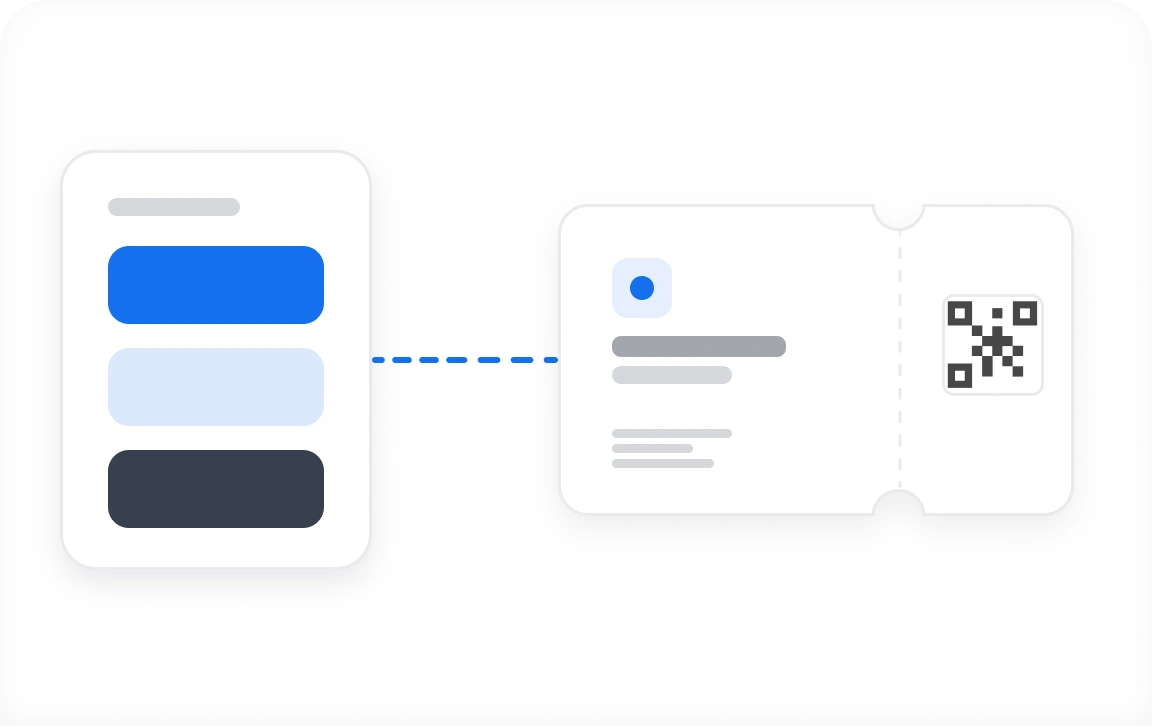
Start From a Ticket Template
Pick a standard ticket template and start generating tickets right away, or personalize it first. Add your business or event logo in PNG or JPG, set a background image or color using HEX or CMYK values, and include your event description, tagline, and notes. Save any personalized design as a template so your next event starts half-finished.

Upload Your Own Design
Already have artwork from your designer? Upload it in PNG or JPG and Ticket Generator secures it for you by adding a QR Code and ticket code automatically. Reposition both anywhere on the design to suit your layout, then add up to 5 variable information placeholders that fill in per attendee.

Design With AI in Seconds
Enter your event details, pick an art style and color theme, and Ticket Generator drafts a complete ticket design for you. Write a custom prompt instead if you have something specific in mind. Every AI request returns 4 options to choose from, and your first 5 generations are free.

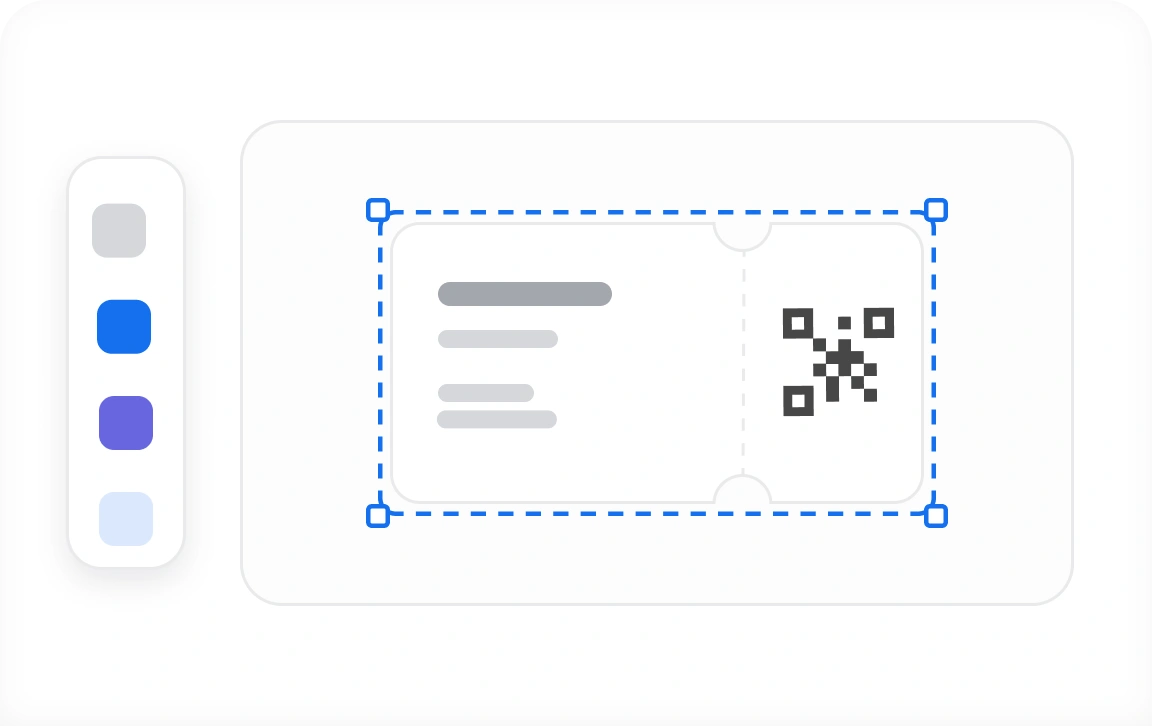
Edit Designs in Canva
Connect your Canva account and open any uploaded ticket design straight in Canva's editor. Adjust layouts, swap fonts, and add graphics, then import the updated design back into Ticket Generator. No downloading, no re-uploading, and no extra steps in between.

Add Unique Details per Ticket
Make every ticket specific to the attendee holding it. Add guest name, hall or auditorium number, ticket class, seat number, price, and payment reference number. You can include up to 5 data points per ticket and upload them by spreadsheet, or let event registration fill them in automatically.

Secure Tickets With QR Codes
Every ticket you create carries a unique QR Code and ticket code. Your event coordinators scan them at the entry to confirm each ticket is genuine, which catches the duplicates and forgeries that manual checks miss, and keeps the queue moving.
Custom ticket designs for every kind of event






Design tickets for your kind of event
First 10 tickets free | No credit card required
Trusted Protection
Ticket Generator's commitment to security and privacy
Your event data sits behind standards that are audited, not self-declared. We hold ISO 27001:2022 for information security management, comply with GDPR for data privacy, and meet SOC2 for operational security, so attendee information stays protected at every step.
.svg&w=256&q=75)


Ticket Generator: Global leaders' trusted ally for seamless events








Top-Rated
See what event managers say about Ticket Generator
Hear straight from the event pros
What I like about it is that we can easily track how many invited guests have arrived and directly report this to our client. This gives us a good indication of when to start the program. It also makes the registration process simple as we just need to scan the guests’ tickets—no spreadsheets required.

Callum Webster
Perky People
We started using Ticket Generator years back and are very pleased with our experience. They have continued to improve their product to adapt to an ever-changing market. Whenever we have faced an issue, we have received full support to resolve our problem quickly.

Greg Berry
Univ. of Alabama at Birmingham
The ease of use provided by Ticket Generator is truly remarkable. I wholeheartedly recommend Ticket Generator to event planners and organizers, as it has proven to be an invaluable tool for streamlining ticket management.

Dr. Donnie Glasgow
Knuckle Headz
One of the major problems Ticket Generator effectively solves is the global availability of tickets to audiences worldwide. With this tool, we can now easily generate secure digital tickets. Ticket Generator has proven to be reliable and efficient in meeting our ticketing needs.

Reginaldo Carolina
CAMS Events
Ticket Generator empowers us to effectively manage inventory at the point of sale, facilitate distribution, and retention. The seamless ticket distribution has been a game-changer, propelling our startup partners to new heights.

Matthew Headley
230 Loridans, LLC
From designing the ticket and sending them out to validating on-site and gathering attendance data, Ticket Generator does it all. We had multiple team members scanning QR Codes at the entry, without any chaos. It’s rare to find one tool that handles creation, distribution, validation, and performance tracking.
.webp&w=256&q=75)
Lila Harper
Event Organizer
I was responsible for branding, website creation, and event registration management for the National Health Research Conference in 2022. What I love the most about this app is that multiple team members can scan and validate tickets. It also allows you to upload your own ticket design and add unique identifiers.

Kershelle Barker
KHreative
Ticket Generator is a cost-effective, easy-to-use, and customizable ticketing system. We have been using it for both large and small-scale events. It allows us to send individual tickets to each of our attendees and easily scan these tickets on-site.

Heather Bennett
Seller System
The ticket app is extremely effective because we can trace the tickets easily. With printed tickets, people always say that they tend to lose their tickets. But with Ticket Generator, even if they misplace their tickets we can find and resend/reprint it.
.webp&w=256&q=75)
Deyon Bovell
Rhythm & Groove Dance Studio
Ready to create customized tickets for your event?
First 10 tickets free | No credit card required
Email us
Still have a query or concern? Write to us and our support team will get in touch soon.
.webp&w=1920&q=75)

Need Help?
Frequently asked questions
Get quick answers related to Ticket Generator's e-ticket design feature
You can upload your ticket design in PNG or JPEG/JPG format. Once uploaded, Ticket Generator adds a QR Code and ticket code automatically, and you can reposition both anywhere on the design.
Yes. You can add up to 5 data points per ticket, such as guest name, seat number, ticket class, or price, and upload them by spreadsheet or fill them in automatically through event registration.
Yes. Any personalized design can be saved as a template, so your next event starts half-finished.
You can add your business or event logo, set a background image or color using HEX or CMYK values, and include your event description, tagline, and notes.
Yes. Enter your event details, pick an art style and color theme, and Ticket Generator drafts a complete design for you. Every AI request returns 4 options, and your first 5 generations are free.
Yes. Connect your Canva account and open any uploaded ticket design straight in Canva's editor, then import the updated design back into Ticket Generator.
Yes. Every ticket you create carries a unique QR Code and ticket code, which your event coordinators scan at entry to confirm it's genuine.
Our Blogs
Learn more about ticket design
See our helpful guides to design event passes better

How to Design Event Tickets Online?
Build print-ready tickets in your browser, with no design software and no outsourcing.

Event Ticket Design Ideas Worth Stealing
Layouts, color pairings, and typography choices that make a ticket worth keeping.

Why Create Custom Event Tickets?
What custom tickets change about branding, entry speed, and attendee trust.